 Kuumba
🎮 Kuumba Code Birthday Game Lab
Kids don’t just play the game. They build it.
Hands-on coding and game design for birthday parties. Kids play, customize, code, experiment, and create their own versions of arcade and Scratch games — and they leave having made something that is genuinely theirs.
A paid private-event service from Kuumba Code.
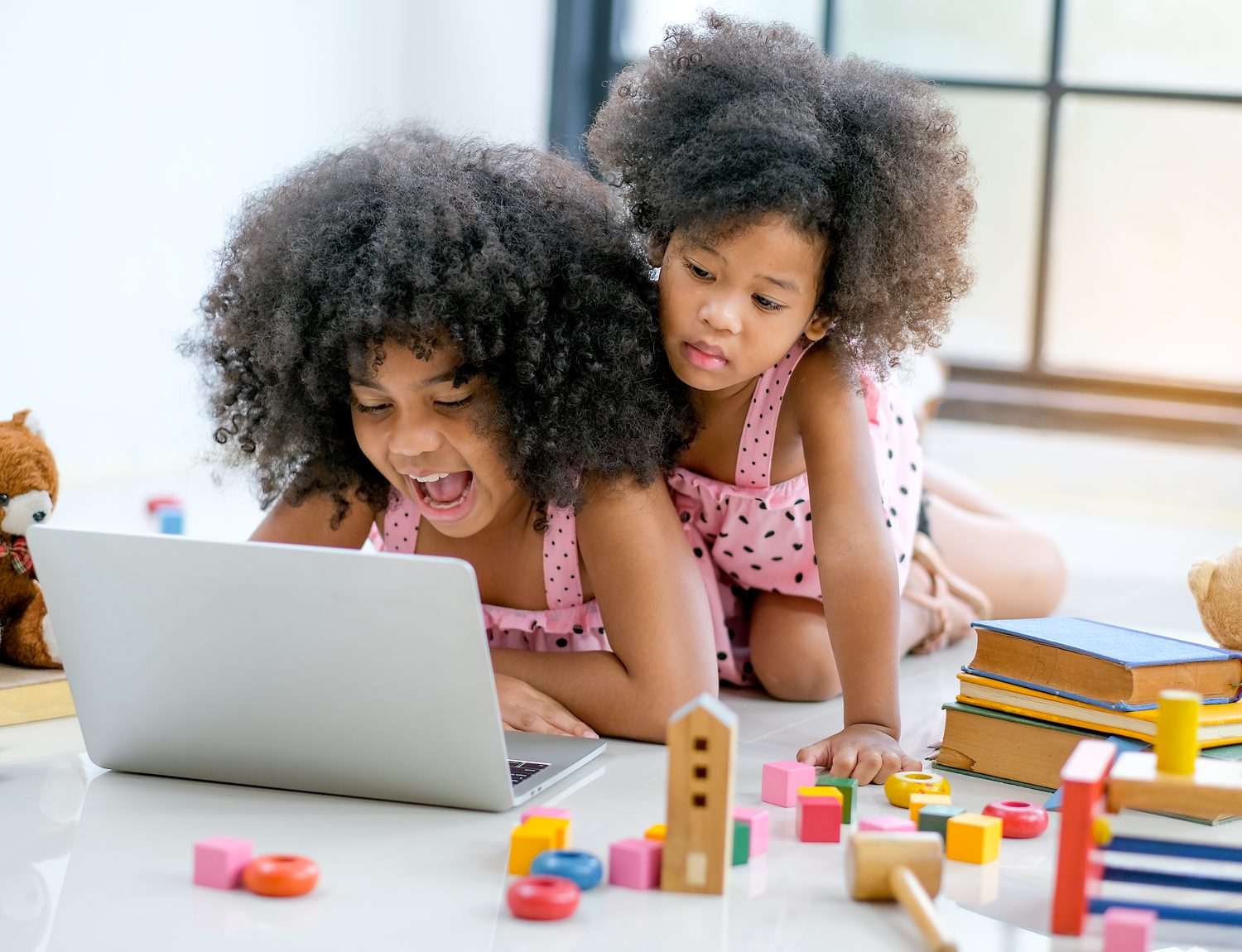
The Creative Process
- Play
- Customize
- Code
- Test
- Improve
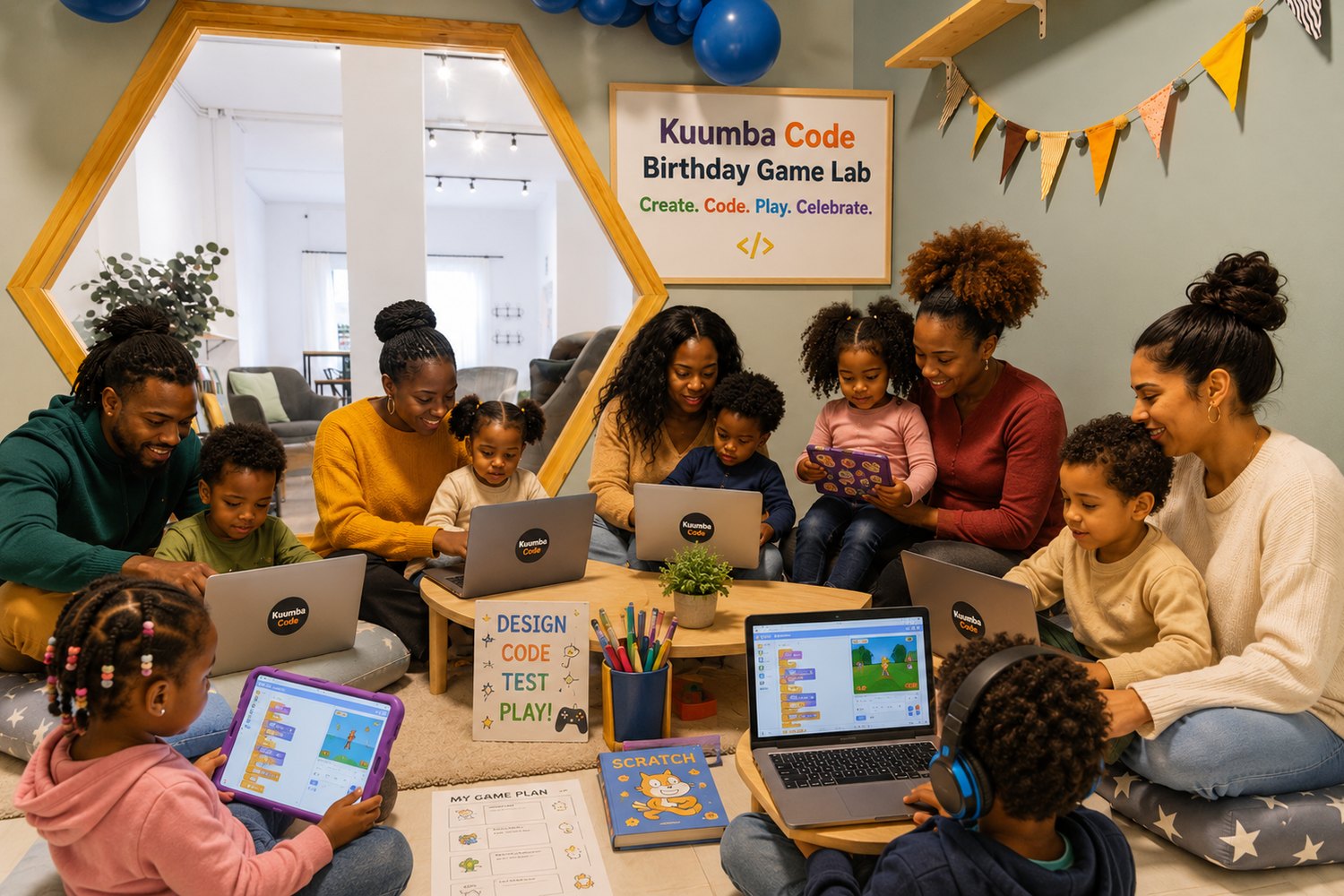
They are not simply playing finished games.
Every game starts as a real, working project they can open up. A guide sits with them, shows them where the code lives, and helps them change it. The moment a child moves a block and watches the character on screen respond, the game stops being something made for them — it becomes something they are making.
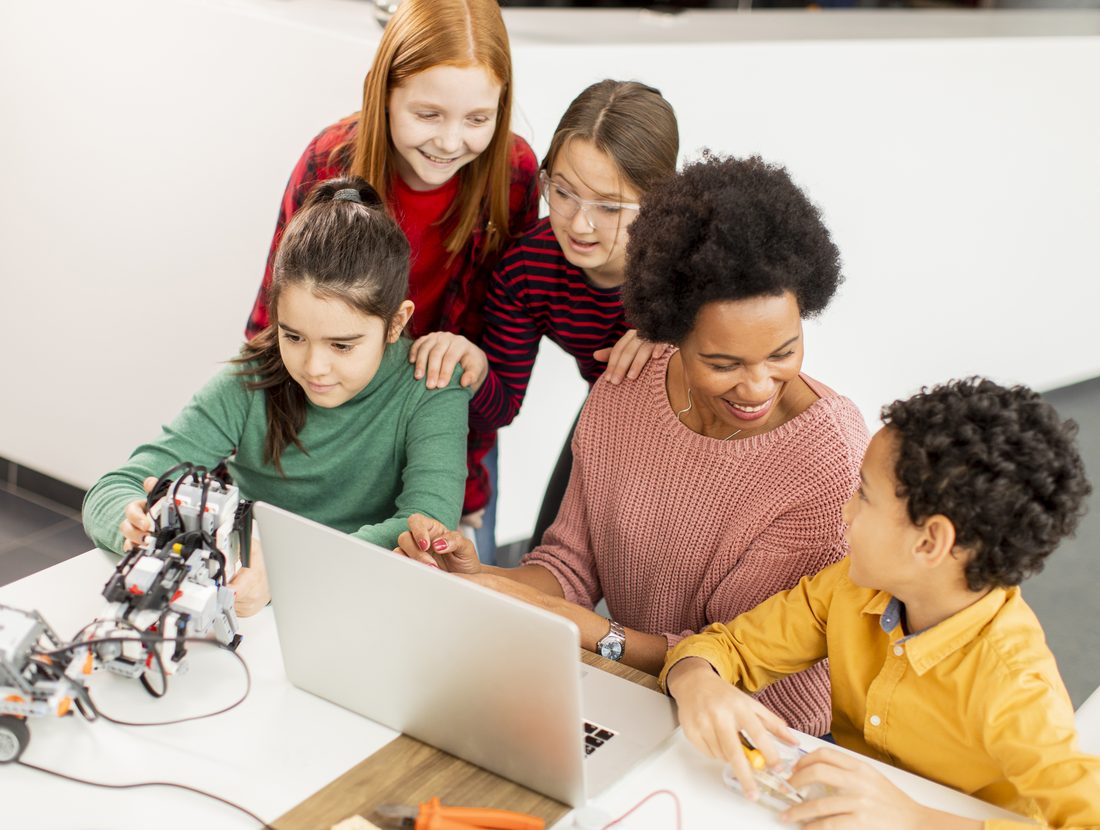
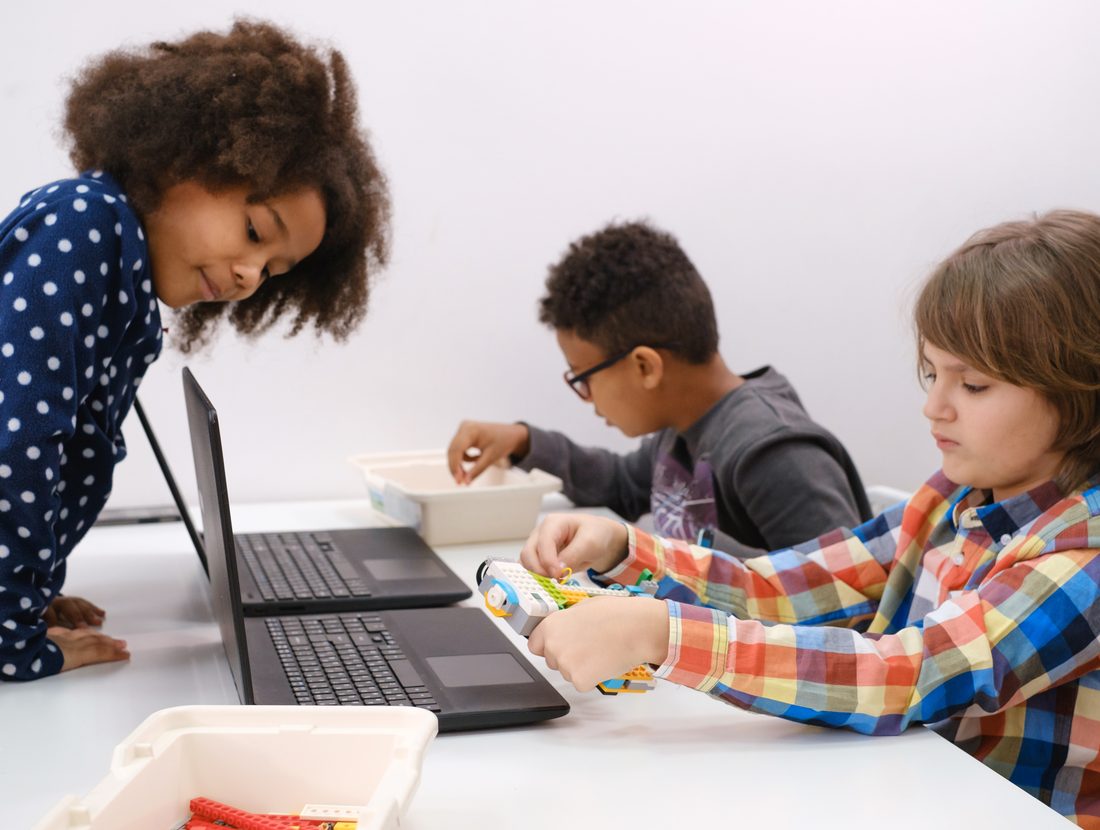
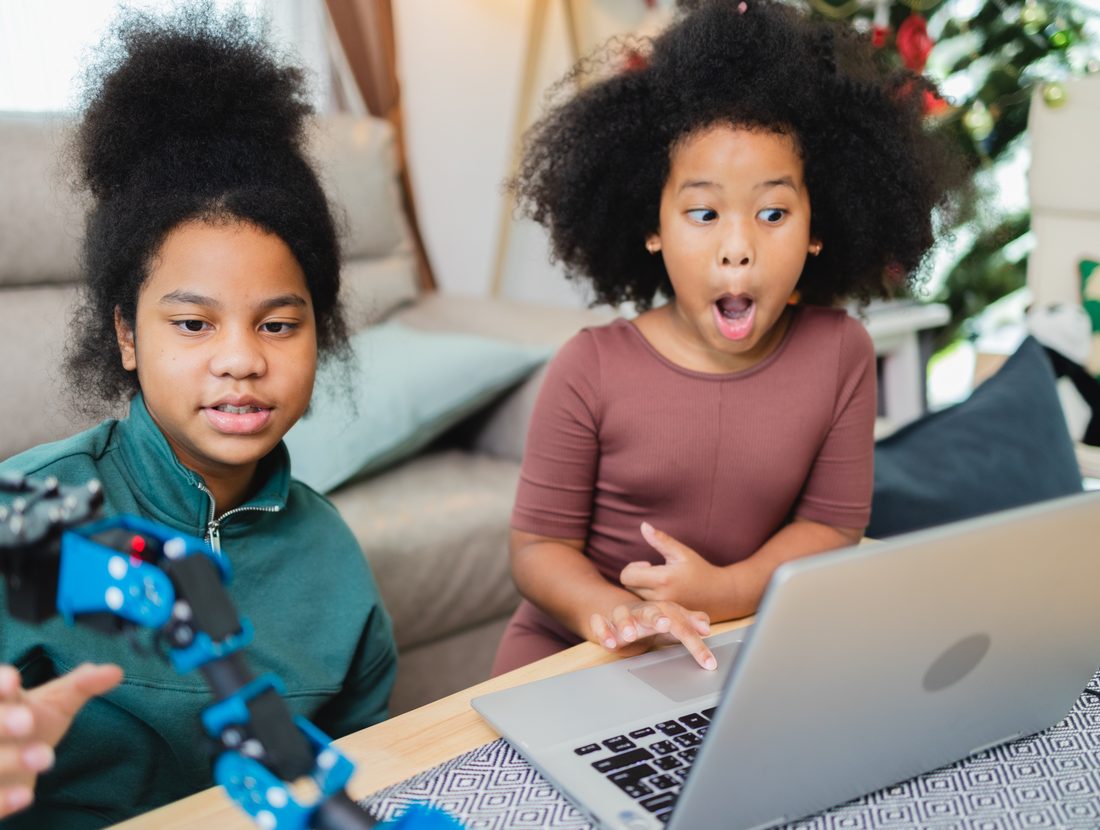
- Open working game projects
- Explore how the code works
- Customize characters and artwork
- Change collectibles and enemies
- Design backgrounds and game worlds
- Change sounds
- Experiment with scoring
- Change lives and timers
- Adjust movement and speed
- Change difficulty
- Modify game mechanics
- Experiment with additional code
- Test their changes
- Create their own version of a game
- Leave with something they made
Games They’ll Build
Try any of them right now — these are the same live projects the children open, take apart, and rebuild in their own image.
Microsoft MakeCode Arcade
Advanced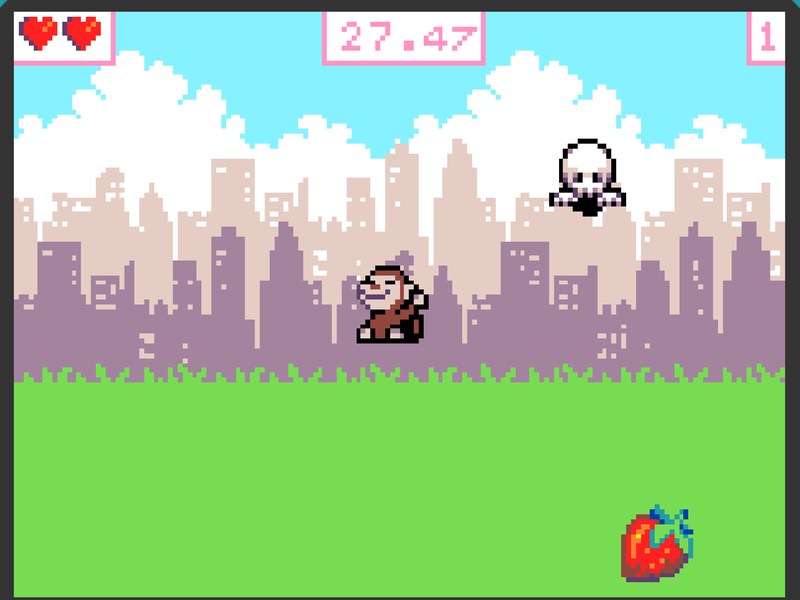
Strawberry Ghost Chase
A more advanced arcade-style game with scoring, lives, a timer, an enemy, sound, and customizable difficulty. There is a lot under the hood here, which makes it the best one to pull apart — change how fast the ghost hunts you, how much a strawberry is worth, or how long you have before the clock runs out.
Scratch Creative Games
Beginner Friendly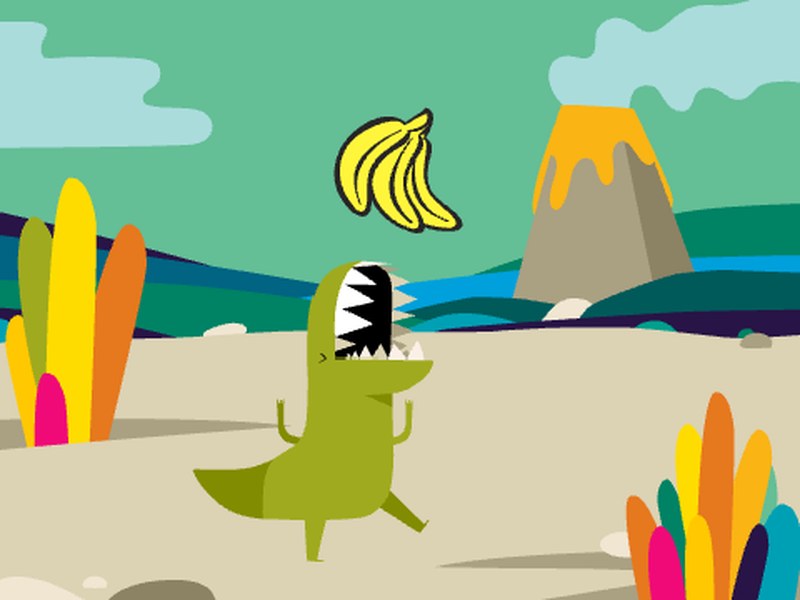
Dino Catch
Kids can customize the dinosaur, falling objects, backdrop, sounds, movement, and game speed.
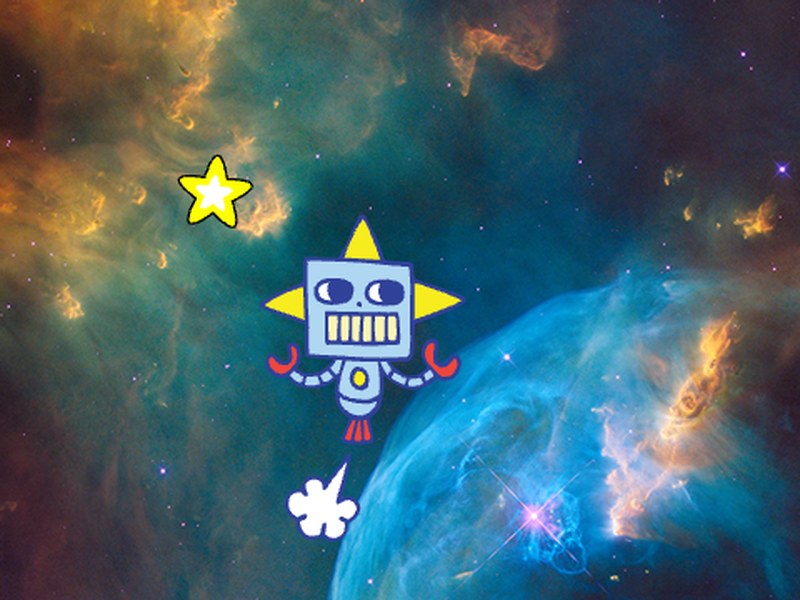
Astronaut Catch
Kids can create a space-themed catching game by changing characters, objects, sounds, backdrops, and speed.
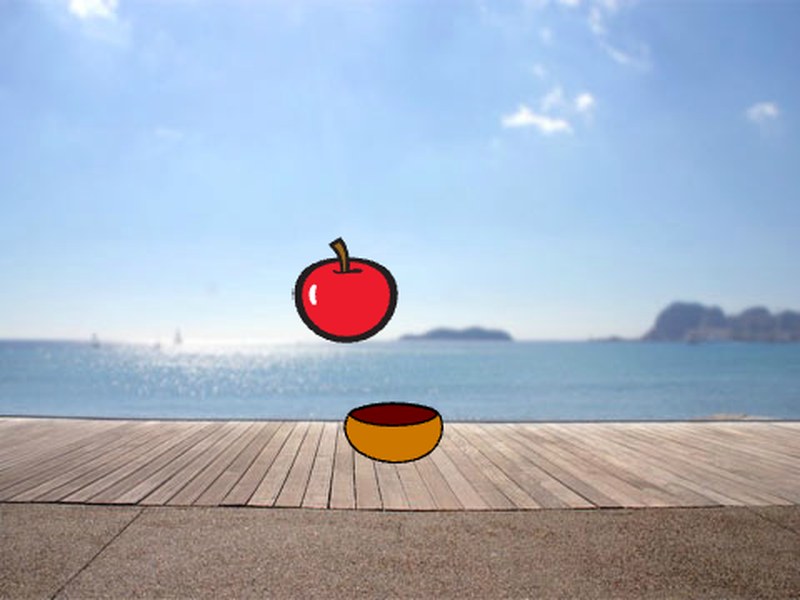
Catching Apples
A beginner-friendly creative game where kids can redesign the catcher, falling objects, sounds, background, and difficulty.
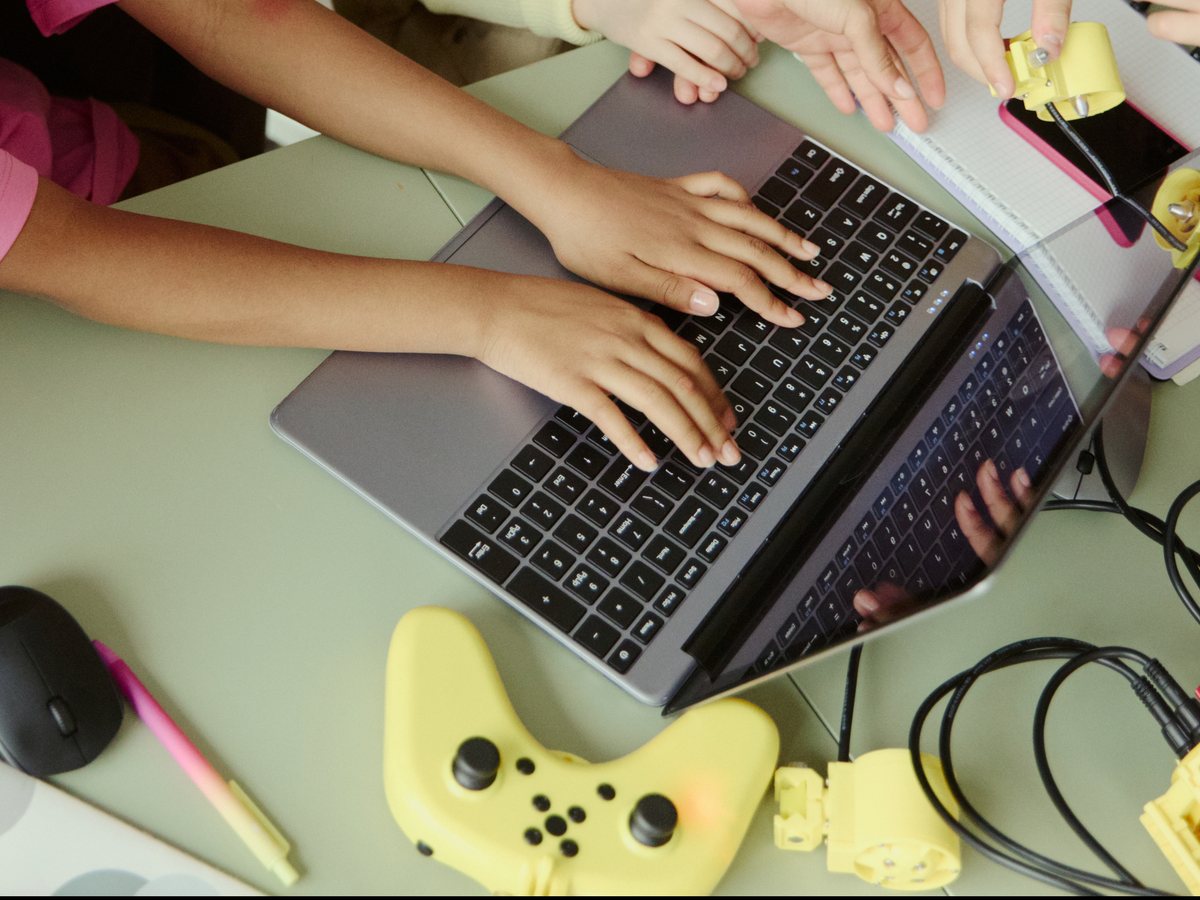
🕹️ Take-Home Programmable Game Console
Select Birthday Game Lab experiences may include a compatible programmable handheld game console. A customized MakeCode Arcade game can be loaded onto the device, so the coding experience does not end when the party does.
Depending on the package selected, this can be for the birthday child alone, or for multiple participating children — each carrying home a game with their own changes baked into it.
Play it. Code it. Make it yours. Take it home.
The take-home console is an optional add-on and is not included in every experience. Availability, compatible device options, and package details are confirmed with you directly before anything is booked.
🎉 Plan a Kuumba Code Birthday Game Lab
Tell us about your child, party, location, number of participants, devices, and the experience you’re interested in. We’ll follow up about availability, options, and pricing.
This form is an inquiry — not an automatic booking.
- 1 You tell us about the party — date, place, ages, how many children.
- 2 We reply about availability, options, and pricing.
- 3 You confirm. Only then is anything booked.
How this fits with the rest of Kuumba Code
Birthday Game Labs are a paid private-event service. They sit alongside — and are separate from — Kuumba Code’s free educational programs for underserved communities, which remain free for every student, always.