 Kuumba
Coding 101
Start from zero — blocks or Python.
Hands-on programming, taught from the ground up — for kids and adults, with no experience assumed. There are two courses: Python, and game development. Each stands on its own — take one, or take both.
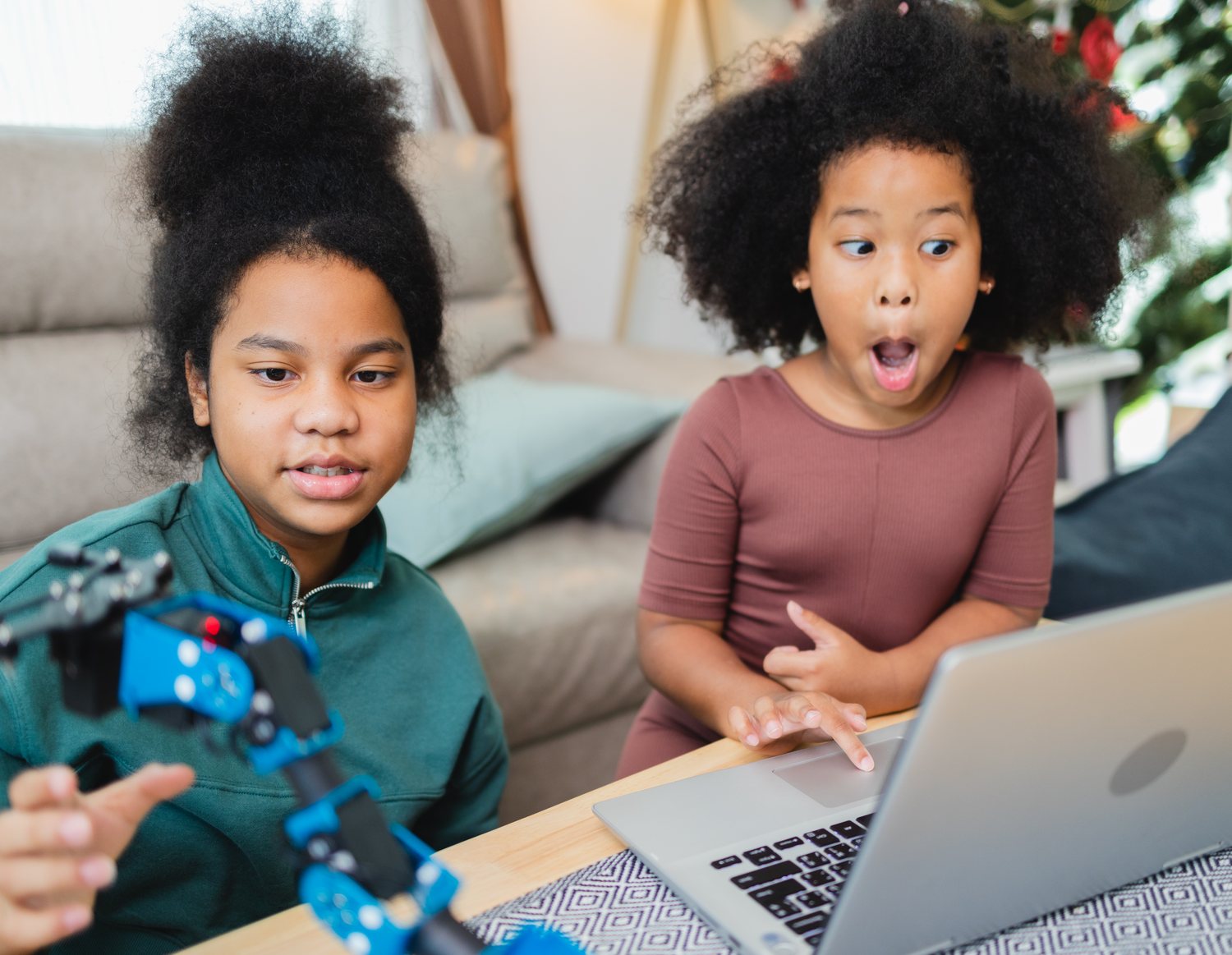
Coding 101 is my own teaching, and it is paid for directly. It is not a Kuumba Code program and no donated or grant money funds it. The free Kuumba Code cohorts keep running alongside it, covering AI and digital skills, and they stay free for every student. Coding 101 is the course you pay for, taught by me.
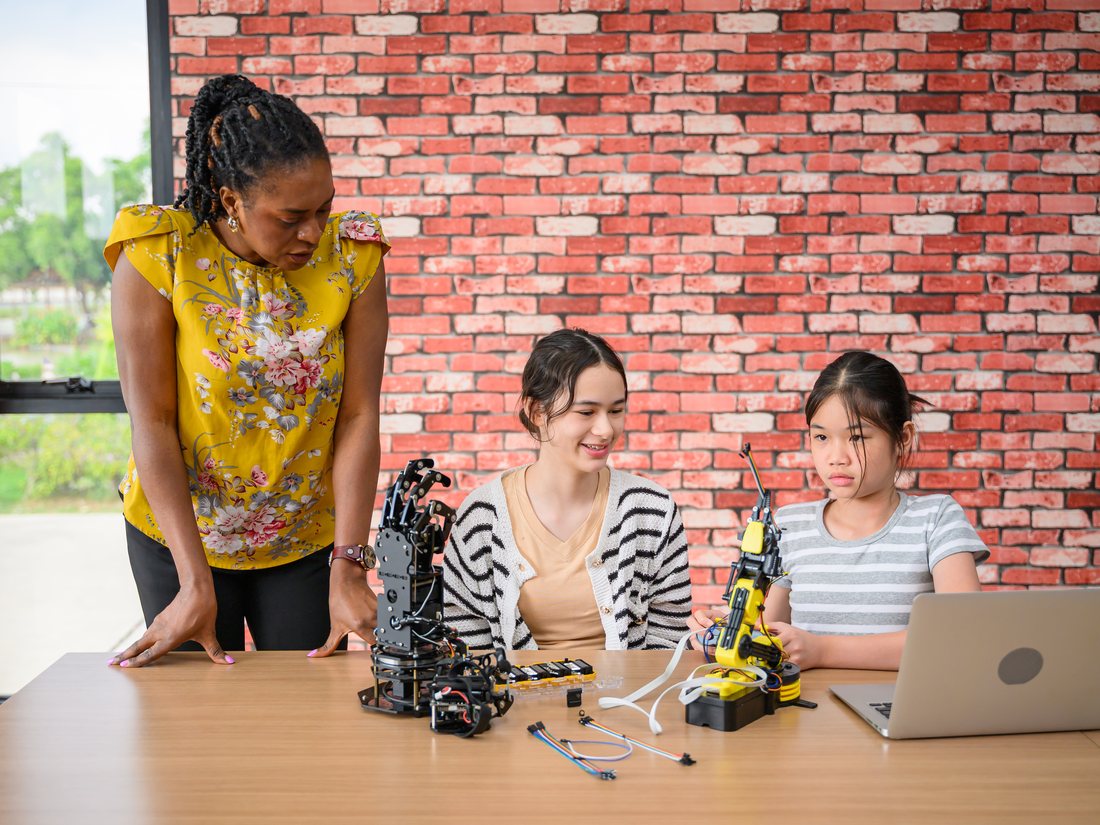
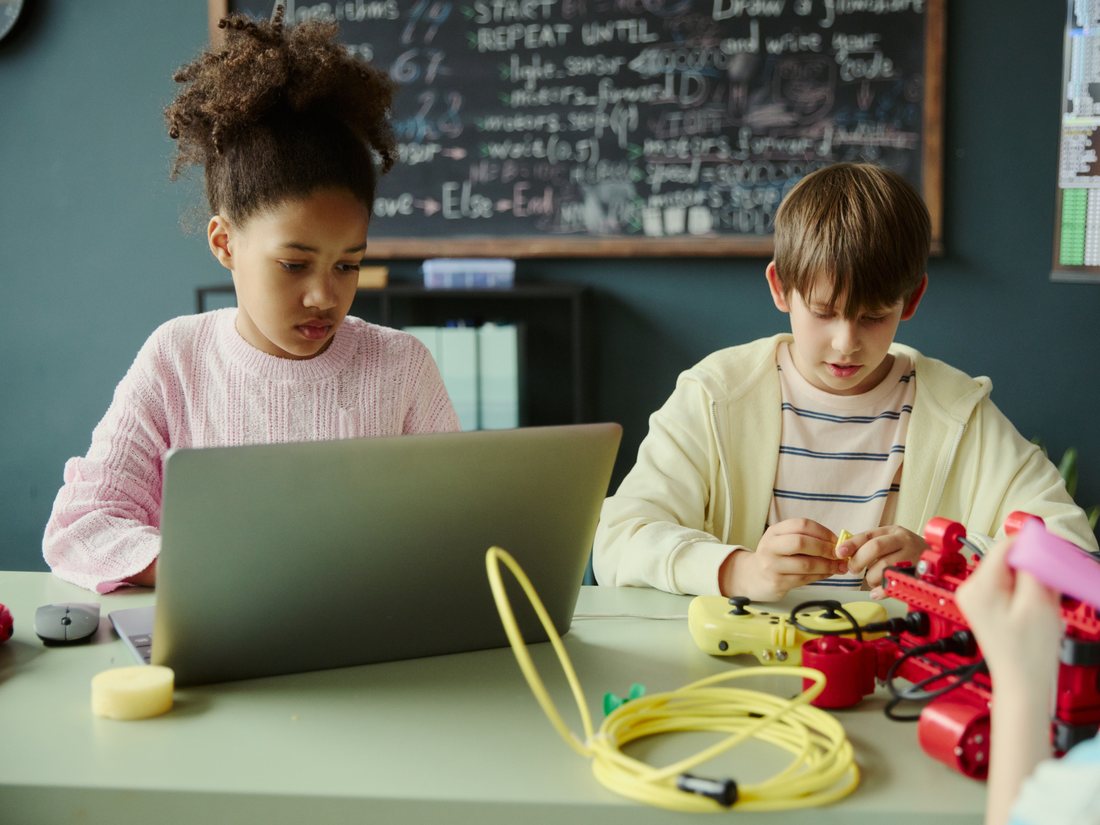
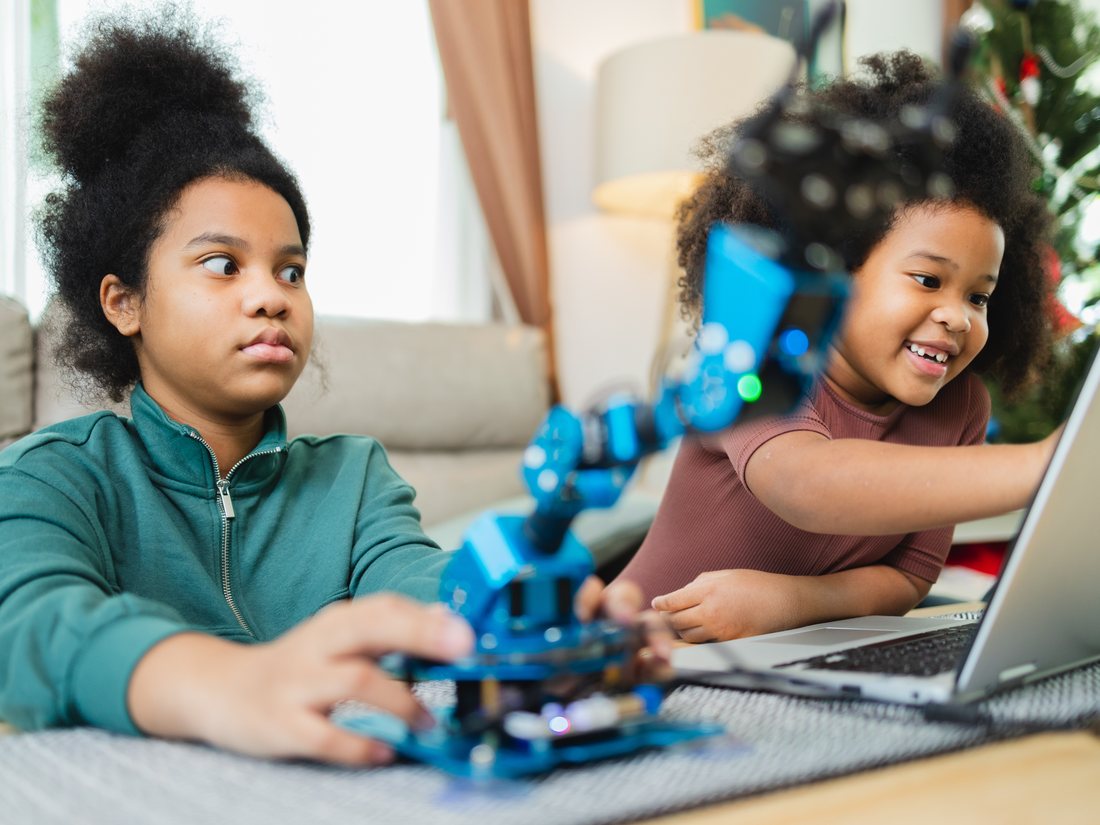
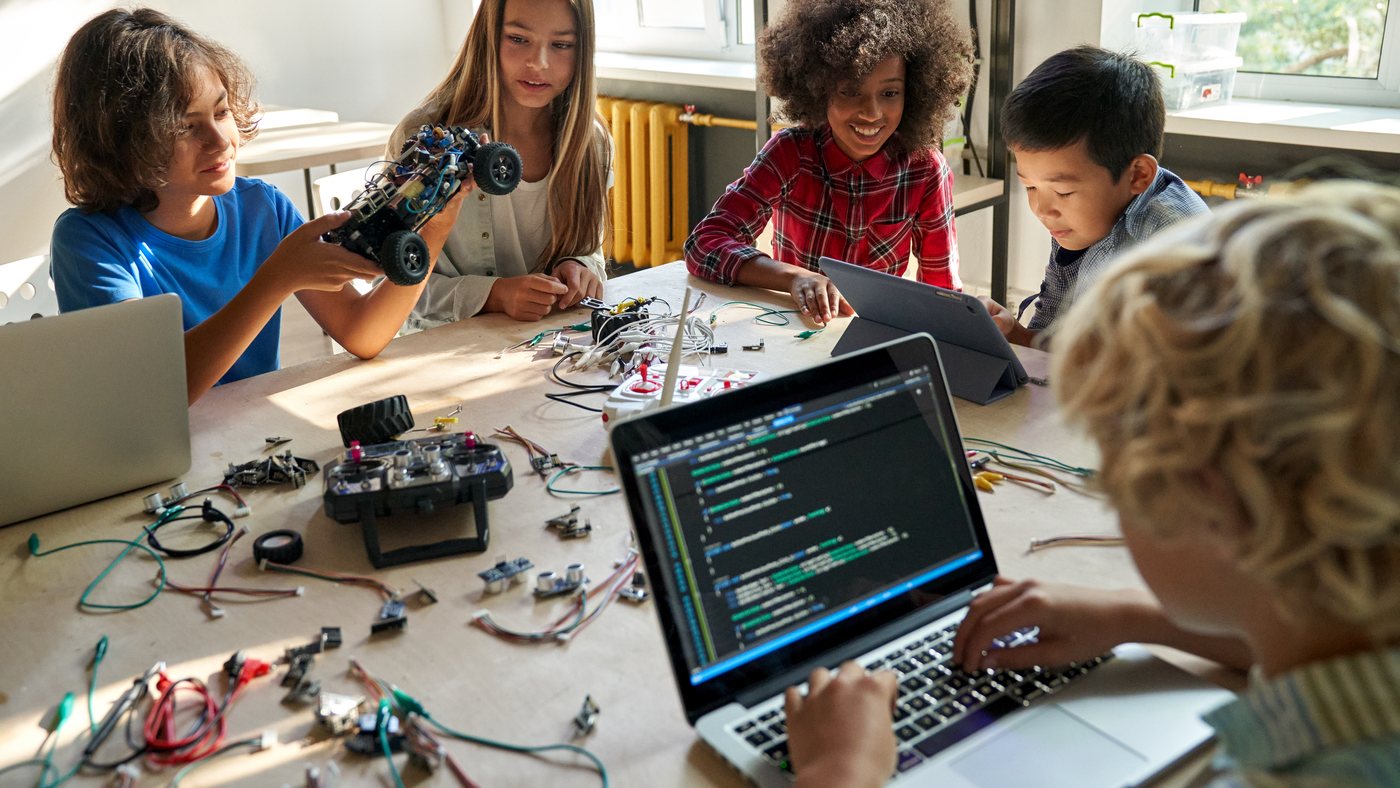
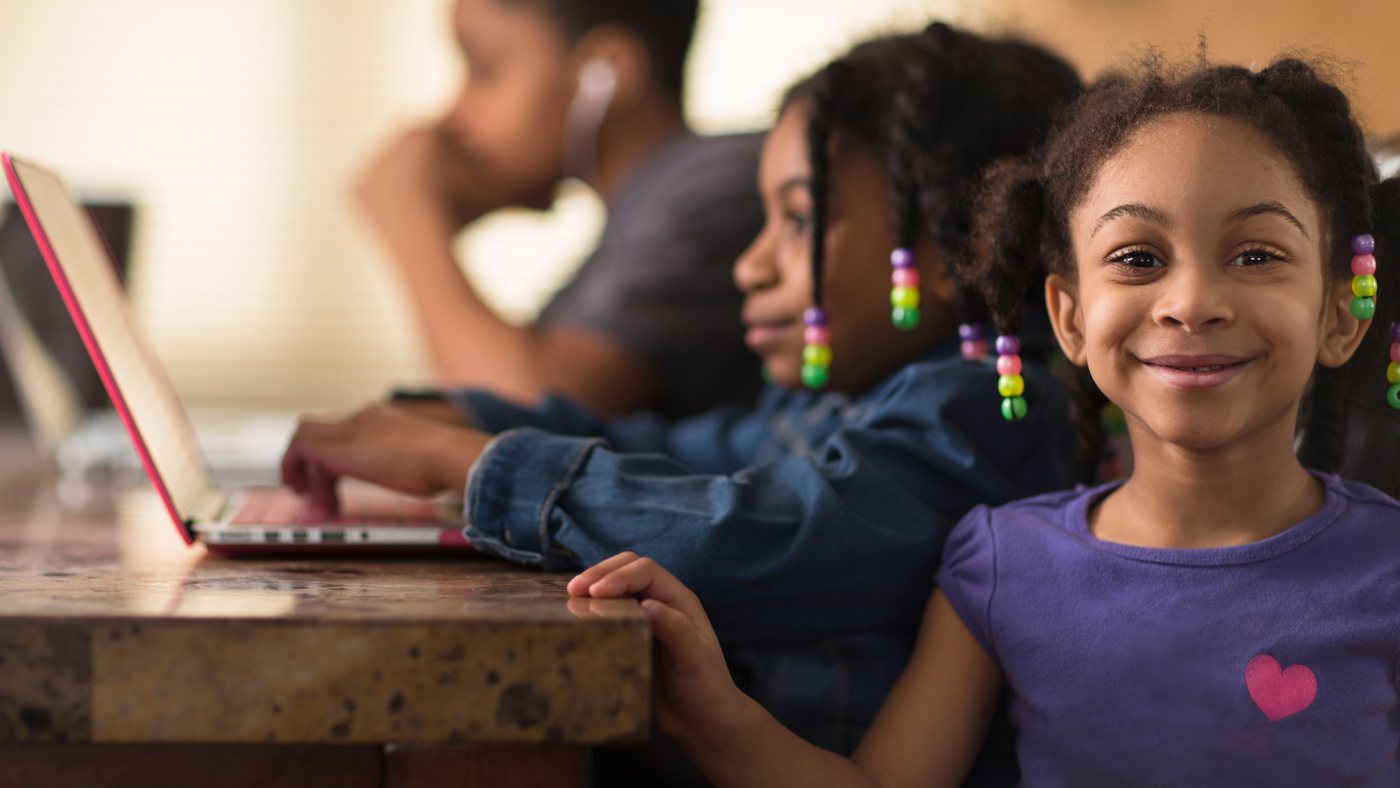
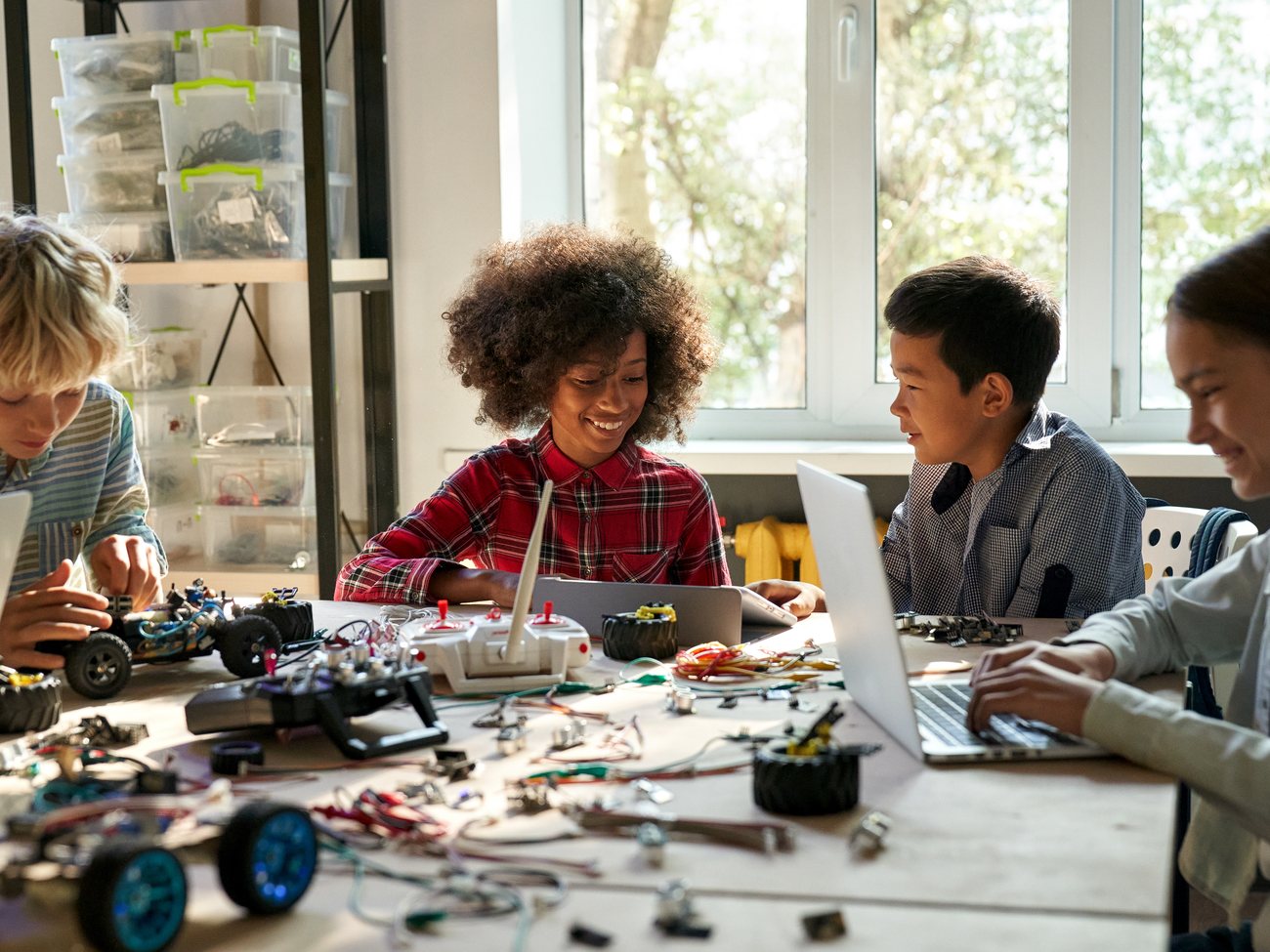
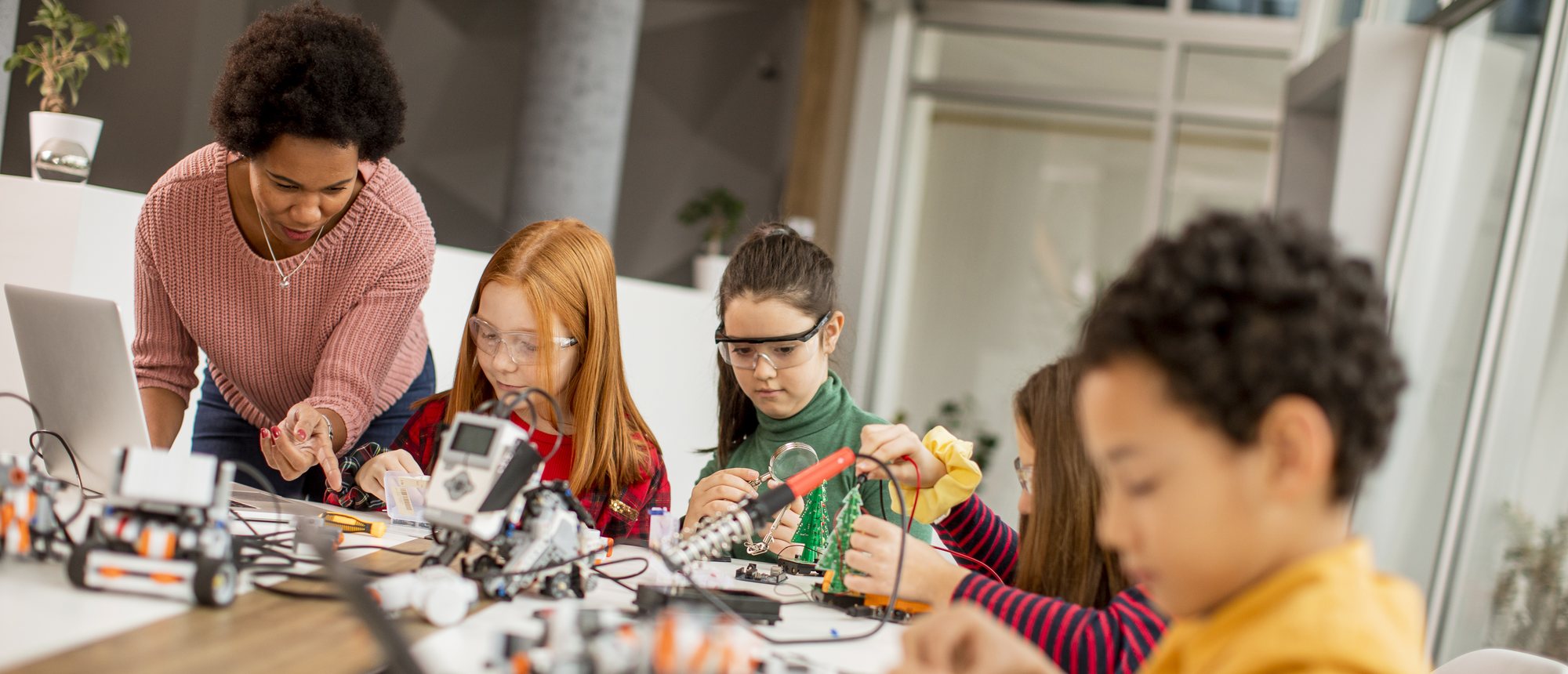
What a Class Actually Looks Like
Not lectures. You sit down, you build something, and you leave with it working.
Two Separate Courses
Python
A real programming language, typed from the first line.
Needs a laptop that can install software
- Windows or macOS
- 16 GB RAM
- 14″ screen or larger
Tablets and most Chromebooks won’t work.
Game Development
Drag-and-drop game building — design it, test it, play it.
Runs in a web browser
- Nothing to install
- Chromebooks fine
- Any modern browser
A school or shared family laptop works for this one.
Before You Sign Up
Parents approve the setup
Nothing is installed and no account is created without your OK. Prefer not to install anything? We can work in the browser instead.
Scheduling and pricing
Each course is priced separately and set per student, so it fits the age and starting point. Get in touch and we’ll work it out.
Ask About Coding 101
Tell me the student’s age, which course interests you — Python, game development, or both — and what device you have. I’ll come back with scheduling and a price.
This form is an inquiry — not an enrollment.
- 1 You tell me the student’s age, which course, and what device you have.
- 2 I reply with scheduling and a price for that student.
- 3 You confirm. Only then is a seat held.
Would rather just write? Reach me at styner@kuumbacode.com.
How this fits with the rest of Kuumba Code
Coding 101 is my own teaching, paid for directly. Kuumba Code itself is a free, AI-powered education program for underserved communities — free for every student, always, and funded by donors rather than by fees.